
Rules for each leave type
| Rule | What you can set |
|---|---|
| Who gets it | Gender, employment types, after N days of service, only after probation |
| Requests | Least and most days per request, days of notice, how far back, times a year, half days allowed |
| Documents | Ask for a document beyond N days (for example a medical certificate), uploaded with the request |
| Counting | Weekly offs and holidays inside the leave counted or not (sandwich rule) |
| Balance | Credited yearly, monthly or by HR; pro rata for joiners; may go below zero up to a limit |
| Year end | Carry forward up to a cap (optionally to be used within N months), encash up to a cap, lapse the rest |
| Leave year | January to December, April to March or any other start month |
Short leave and permissions
Coming late, leaving early or going out during the day can be requested as short leave, within the limits in the policy, for example two a month of up to two hours each. Approved short leave removes the late mark from that day's attendance.
Leave history and balances
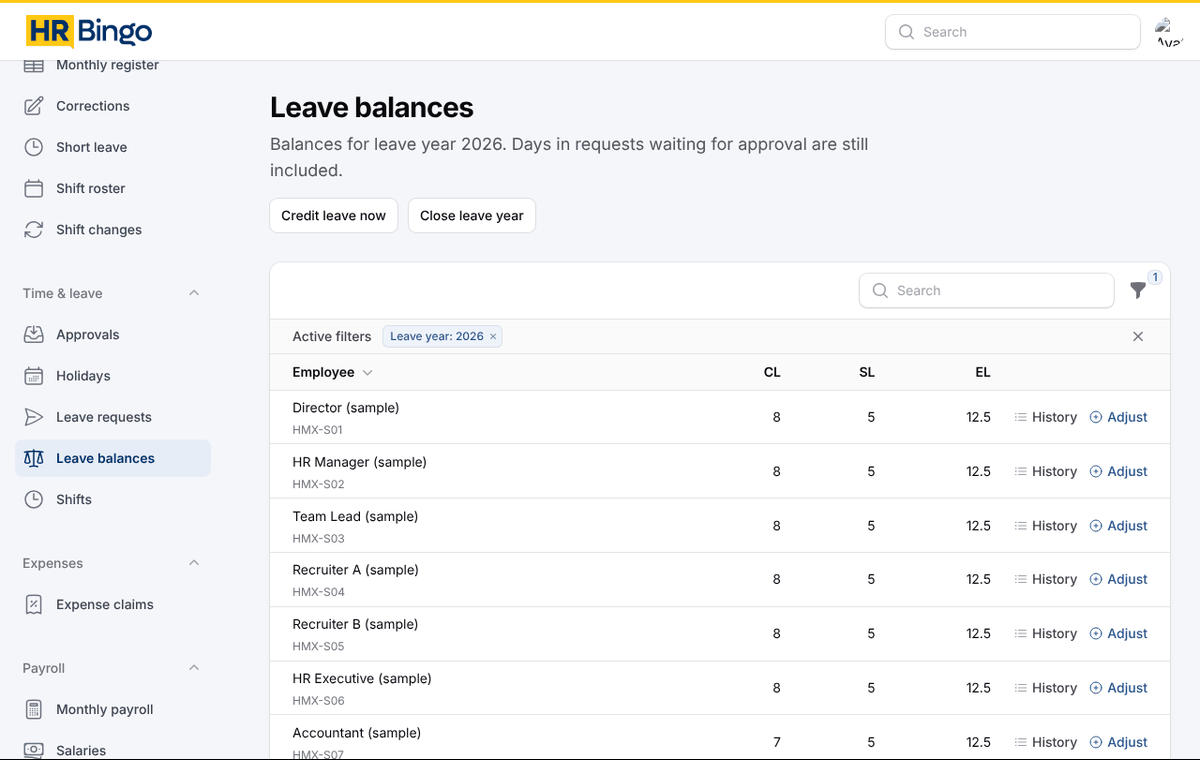
Every credit, leave taken, cancellation, adjustment, carry forward and encashment is recorded in the employee's leave history, so any balance can be checked line by line. When you move from another system, HR can enter opening balances.
Frequently asked questions
Can we have different leave rules for different staff?
Yes. Create one leave policy per group (for example office and factory) and set each employee's policy. Each policy has its own leave types and rules.
How is leave encashment paid?
At year end, encashable days are calculated as per your cap. When you run the next payroll, HR Bingo adds the encashment to the salary, once. It is also included in full and final settlement.
Can employees apply for leave from their phone?
Yes. They can see their balance, apply, attach a document if needed and track the approval on the HR Bingo app.